
DIARY · 2026-08-26 · EveryPix
EveryPix now works on iPad too
Roberto Bonfa' · 2026-08-26
EveryPix was born on 18 August and reached the App Store on the 21st: three days from the first line of code. As of today there is 2.0, and it runs on iPad too.
Why the iPad, before anything else
I work on images on the iPad, not on the phone. And that is exactly where EveryPix ran worst: in iPhone compatibility mode, inside a small window with a black frame around it. The thing the app exists for was the thing in the worst shape.
Two columns, not a blown-up window
The twelve operations always in view on the left, the work on the right. No more going back and forth between a list and a screen.
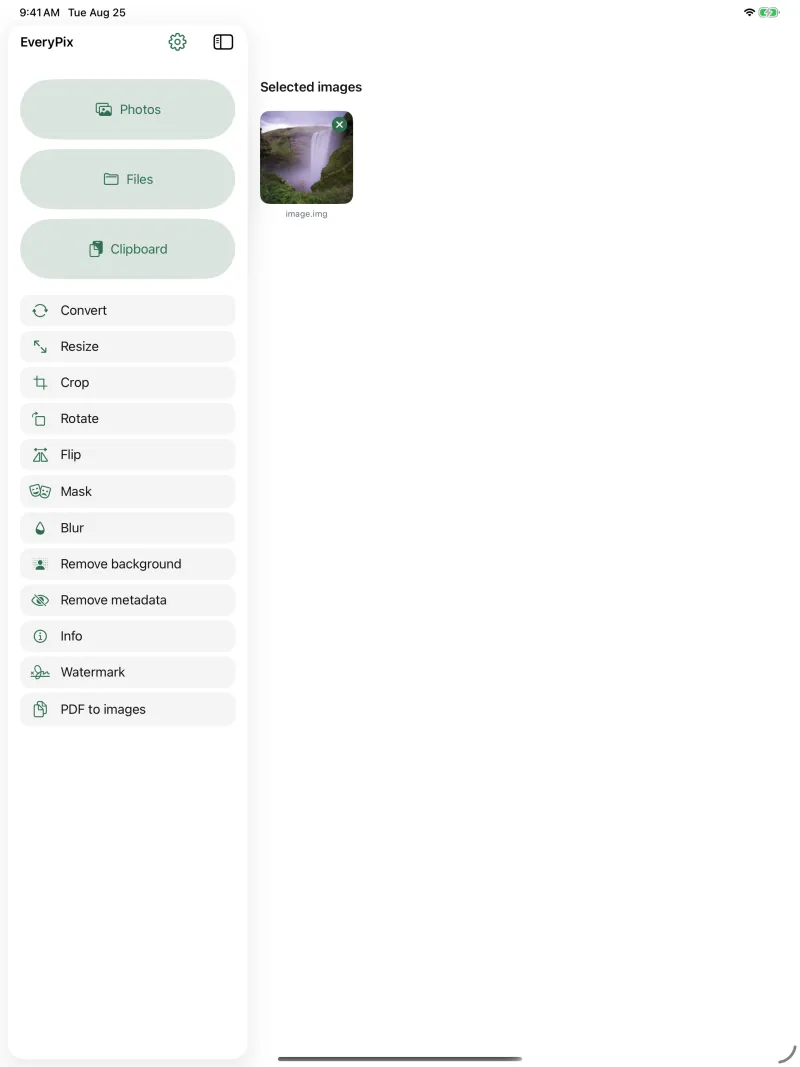
With the extra room, the parameter preview gets genuinely big: the image and the slider sit on the same screen, so you see what you are about to do while you are deciding it.
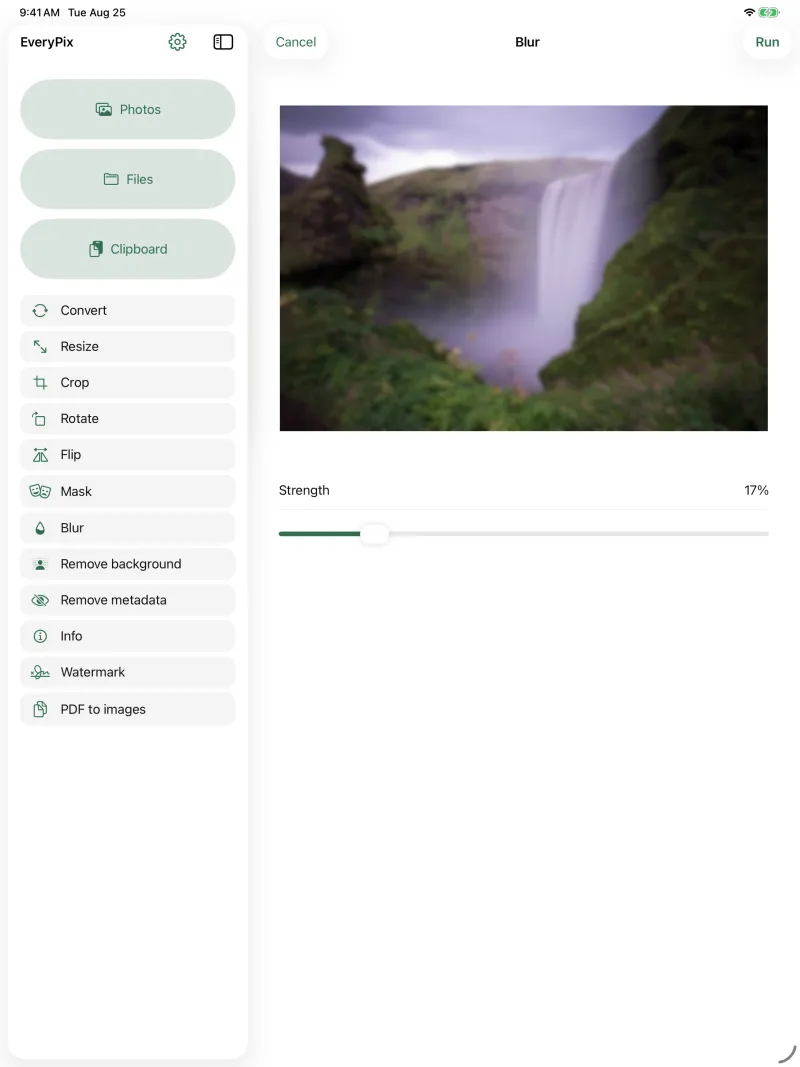
The two things that change the work on iPad
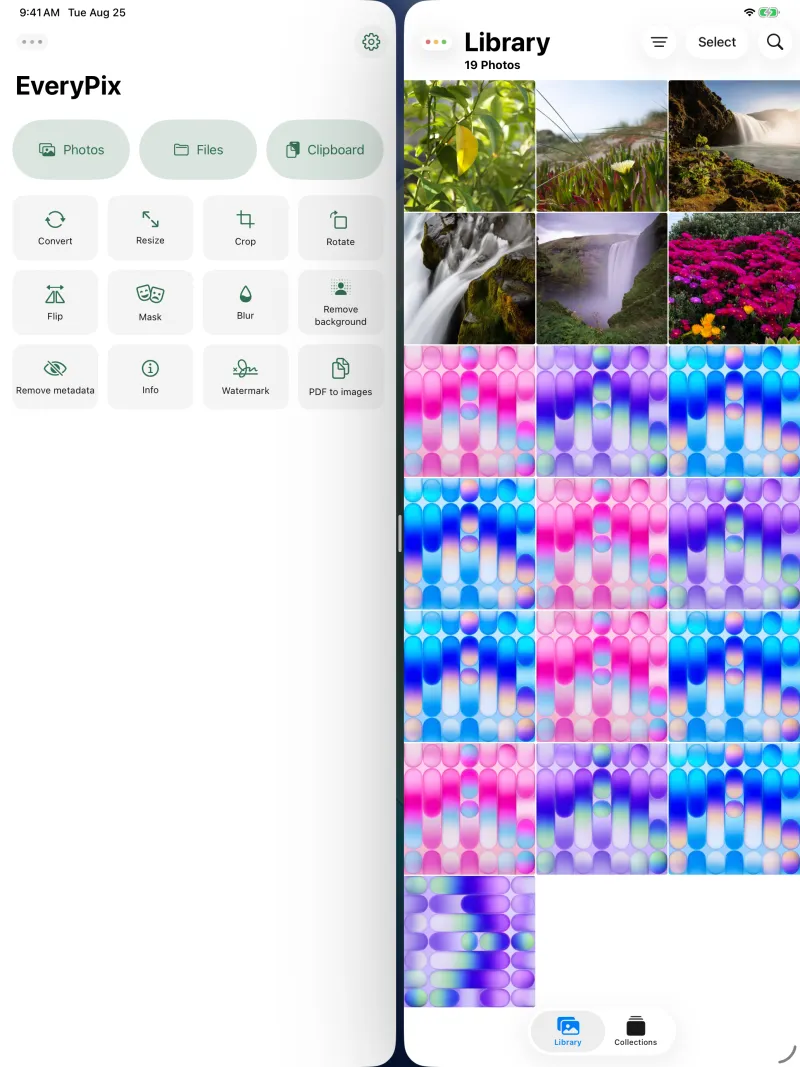
Drag and drop from Photos, Files and Safari, which is the natural way to hand an image to an app when the two sit side by side. And Split View, which makes that scene possible.
There are also ten physical keyboard shortcuts, for anyone keeping the iPad on a keyboard.
It stays one single app
Same name, same App Store listing, same price: free. Anyone who already has EveryPix on their iPhone finds it on their iPad without doing anything.
One thing I would rather say myself than have someone else discover: on an iPad mini held upright you get the iPhone grid, not the two columns. That is not a fault. That screen is 744 points wide and the two-column threshold sits at a thousand, because below that a large phone in landscape fits too, and a phone does not want two columns.