
EveryJot
A note, before you forget it
ReleasesPrivacy and contactIn review on the App Store
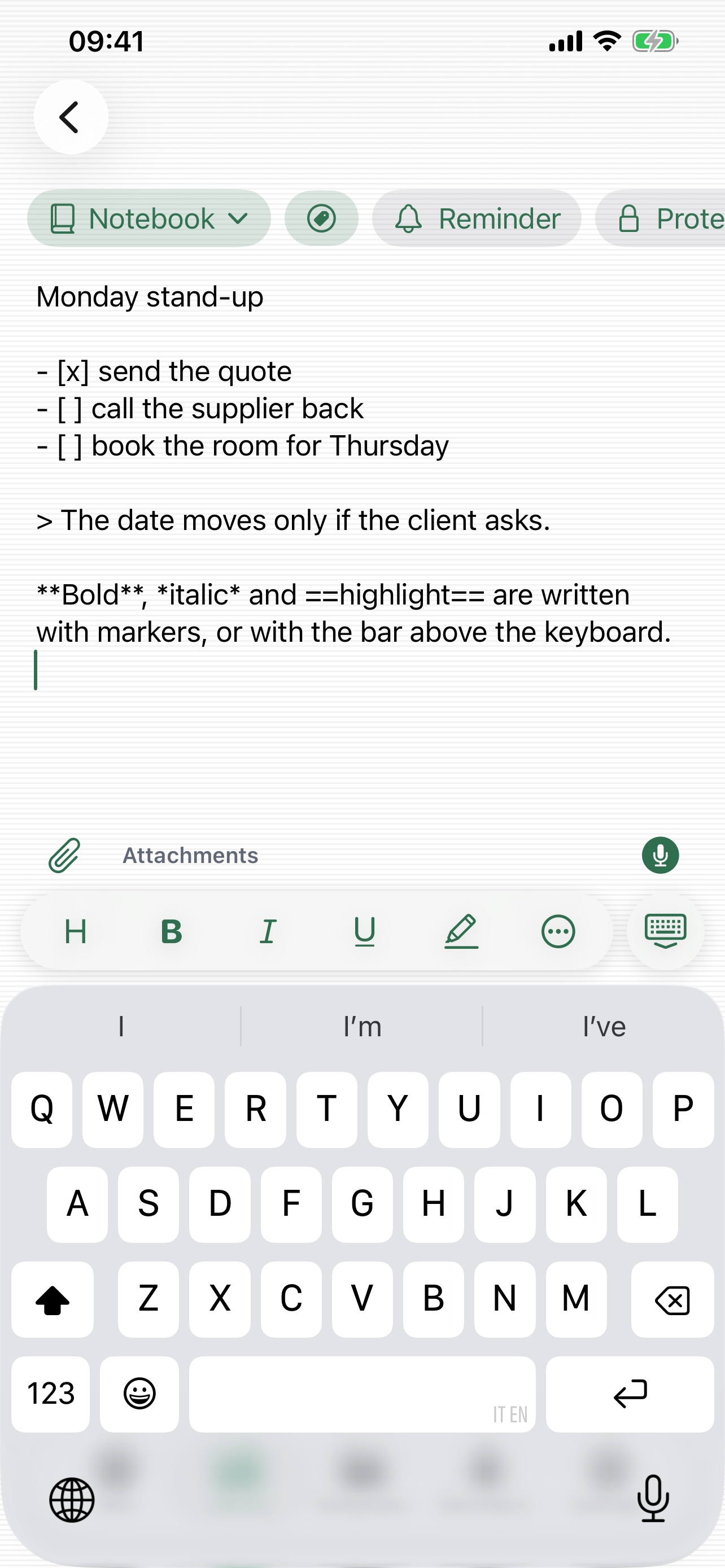
EveryJot is for writing something down before you forget it, with as little friction as possible. It opens ready to write, keyboard up and cursor in place: no forms, no title to invent, because the first line becomes the title by itself.
Who it is for
Anyone who writes short notes and keeps losing them across different apps, and anyone who wants to keep something private inside a note without handing it to a service that reads it.
Main features
- Full Markdown: headings, bold, italic, underline, highlight, strikethrough, quotes, lists, checklists, code blocks, links and alignment.
- A formatting bar above the keyboard with five commands chosen out of thirteen, reordered by dragging. The rest stay one tap away in the panel, so nothing ever disappears.
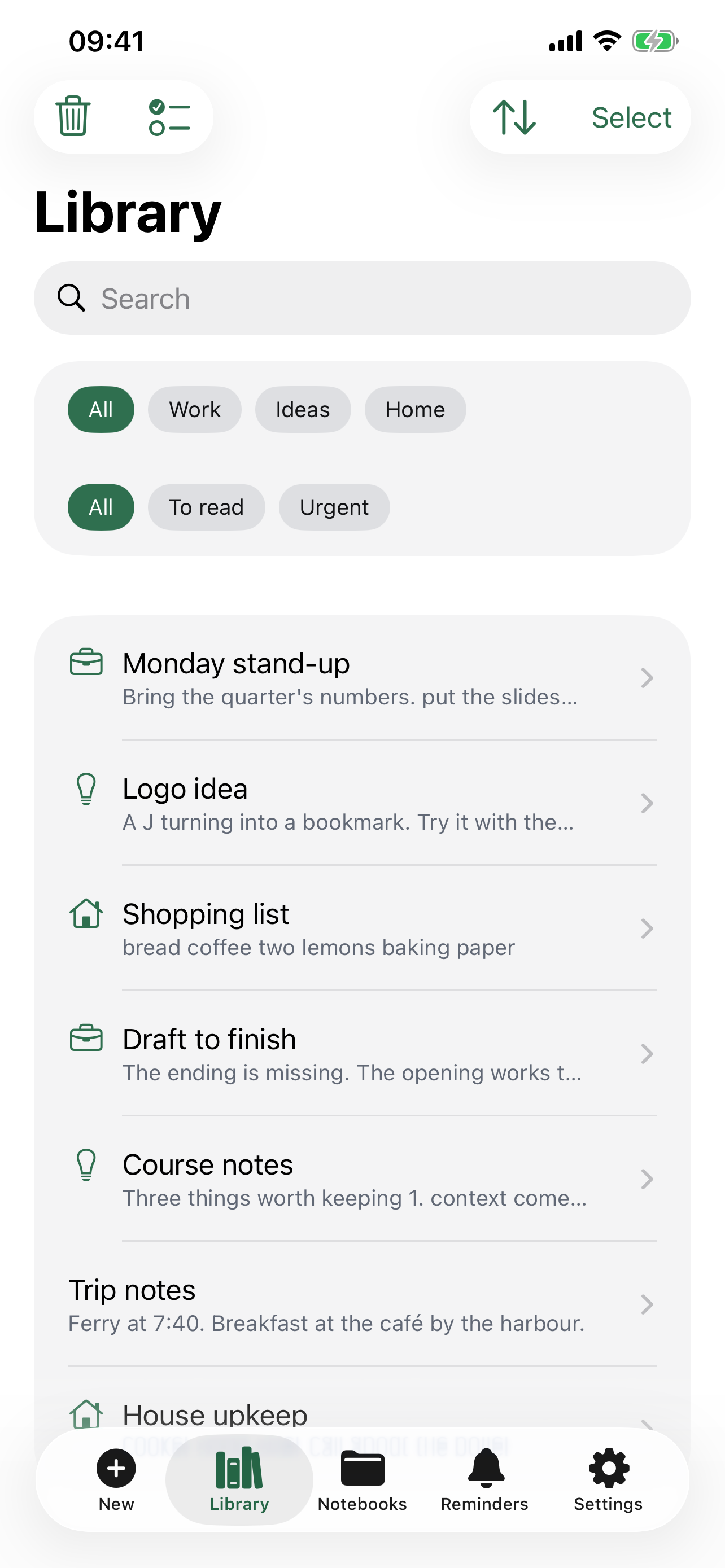
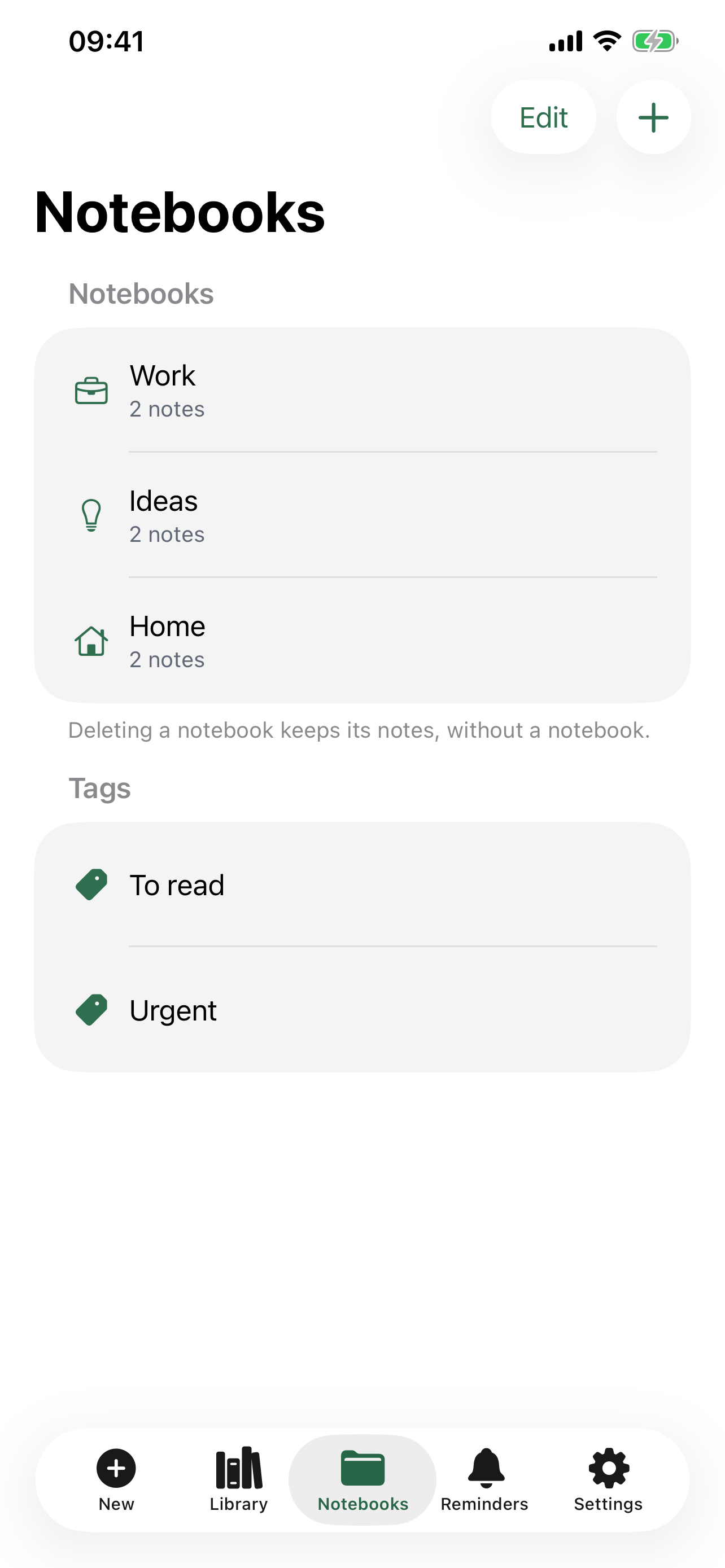
- Notebooks and tags to find things again, with search inside the text, sorting and filters.
- Notes with an unfinished checklist move into "To finish" on their own and leave it when the last box is ticked. The trash keeps deleted notes for thirty days.
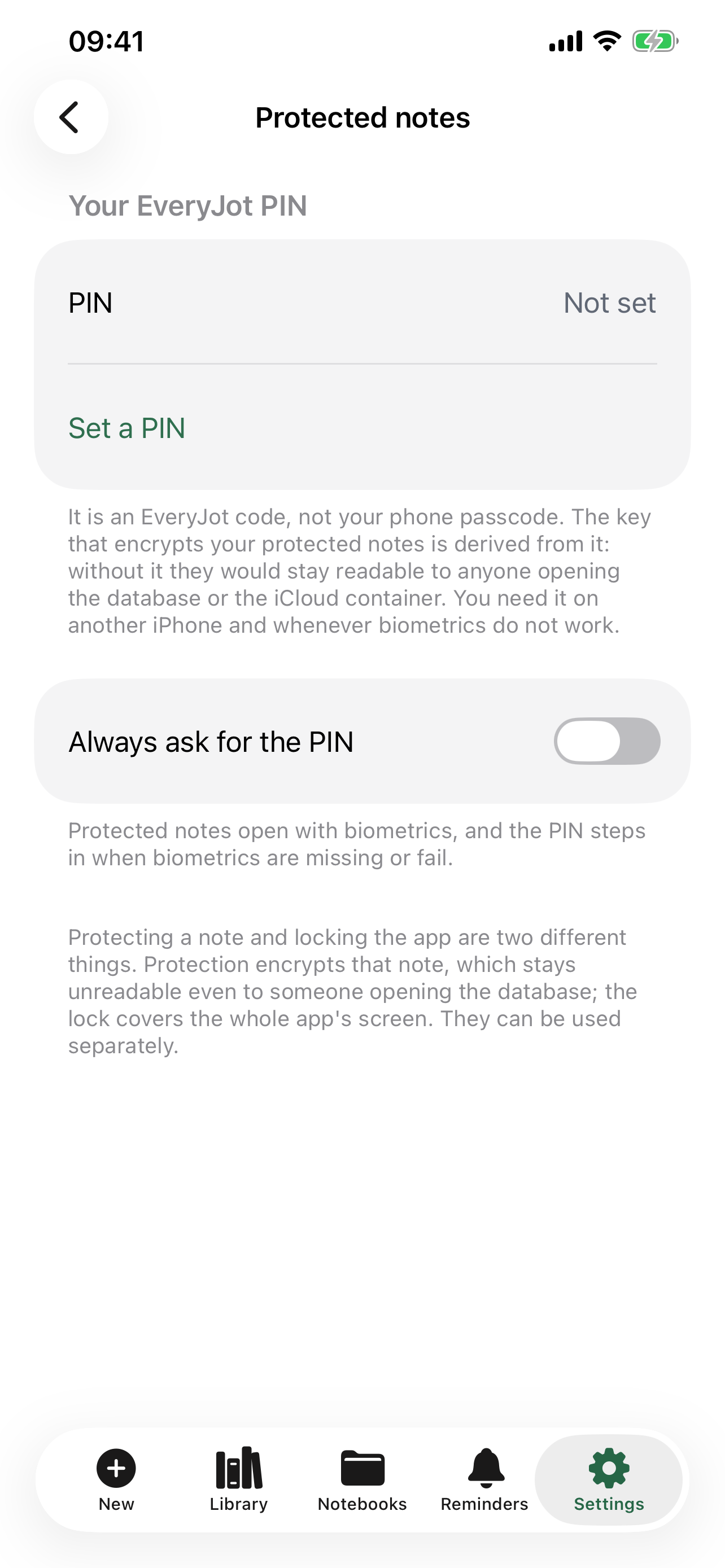
- Genuinely protected notes: the content is encrypted with AES-GCM and the key is derived from a PIN the writer chooses. They open with Face ID, Touch ID or the PIN and, since the key travels with the note, they can be read on a second iPhone too.
- System reminders linked to a note, which show up in Apple's Reminders app with their notification.
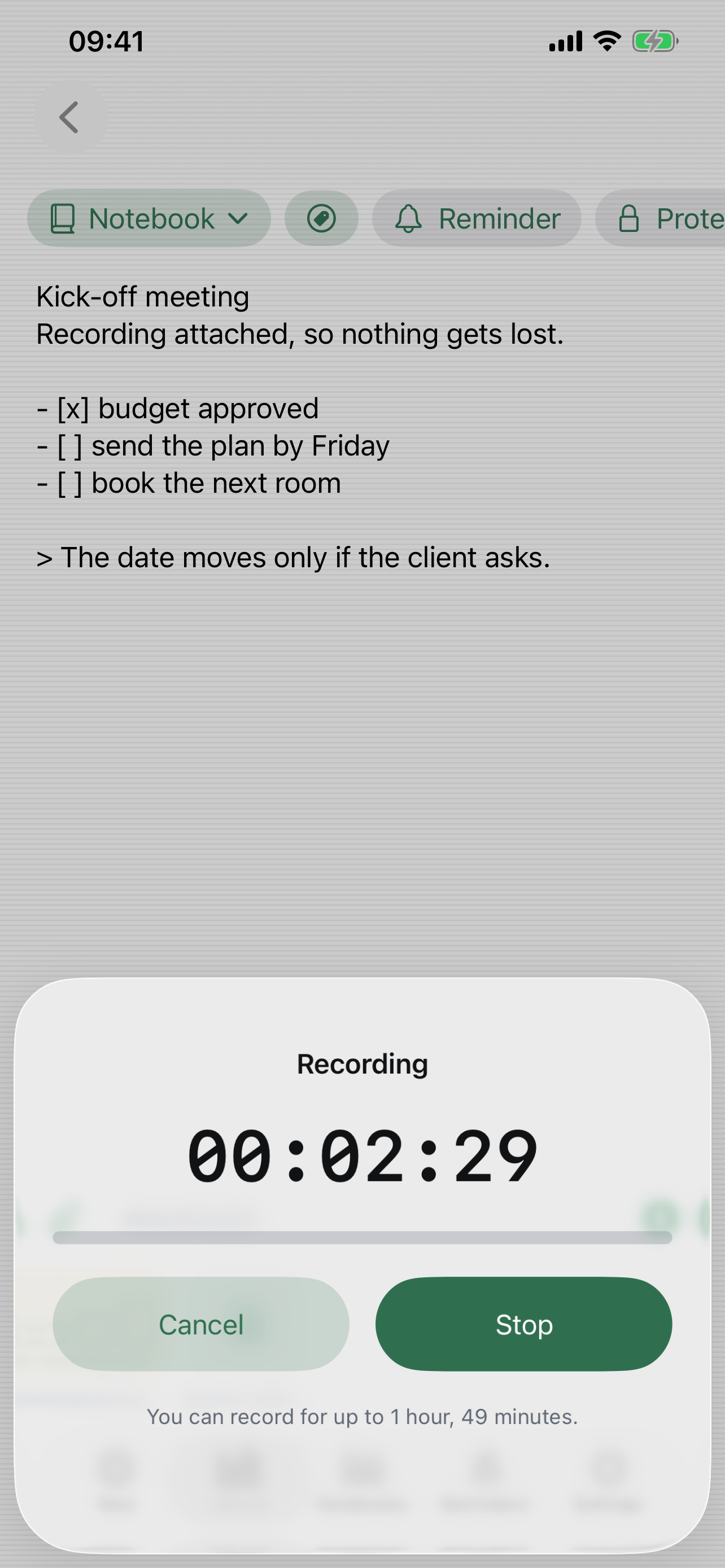
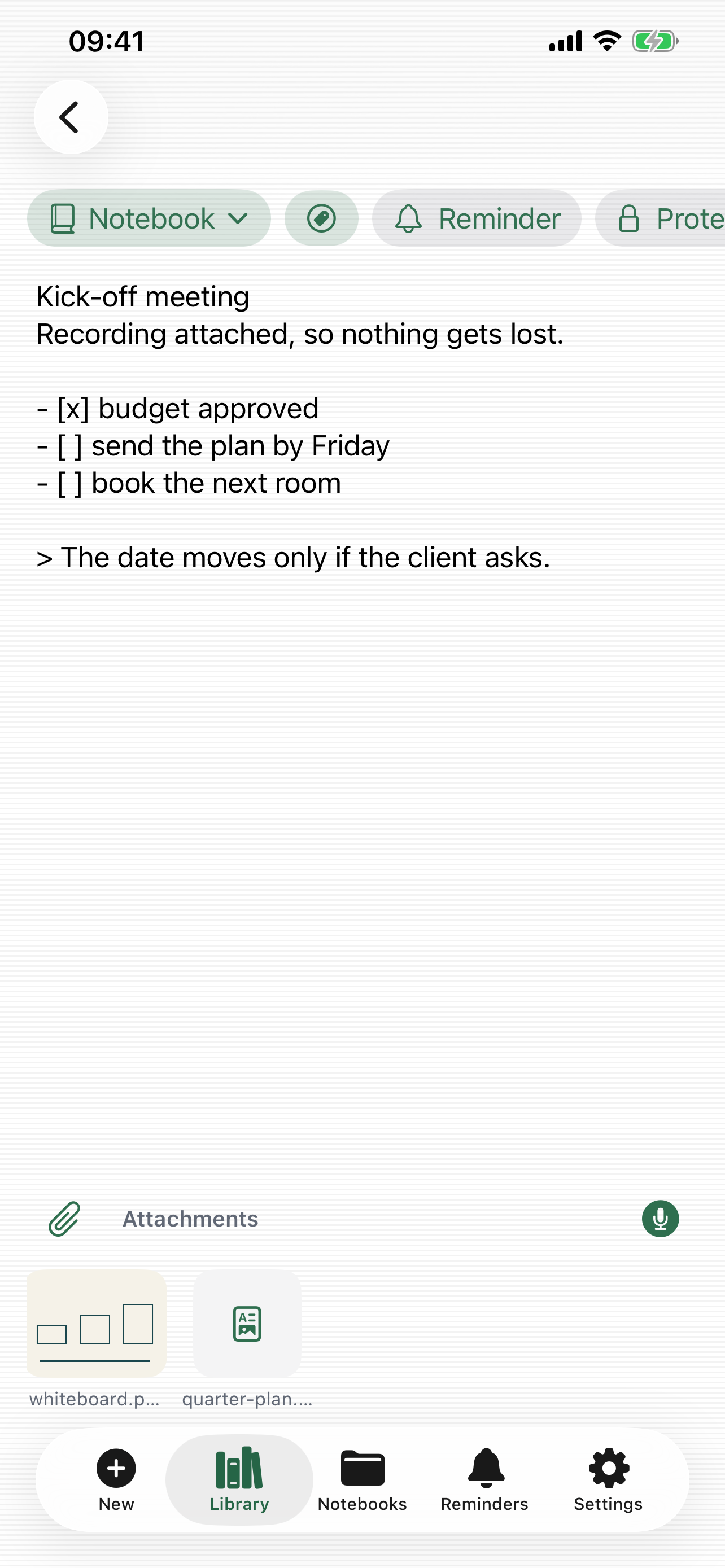
- Sharing as a PDF or a Markdown file, export as an image or a Word document, plus taking several notes out of the library at once.
- A
.mdfile arriving from Mail or Files opens with EveryJot and becomes a note straight away. - A new note from Control Centre, from the Action button, with a double tap on the back of the iPhone or by asking Siri.
- An iMessage extension: pick a note and send it without leaving the conversation.
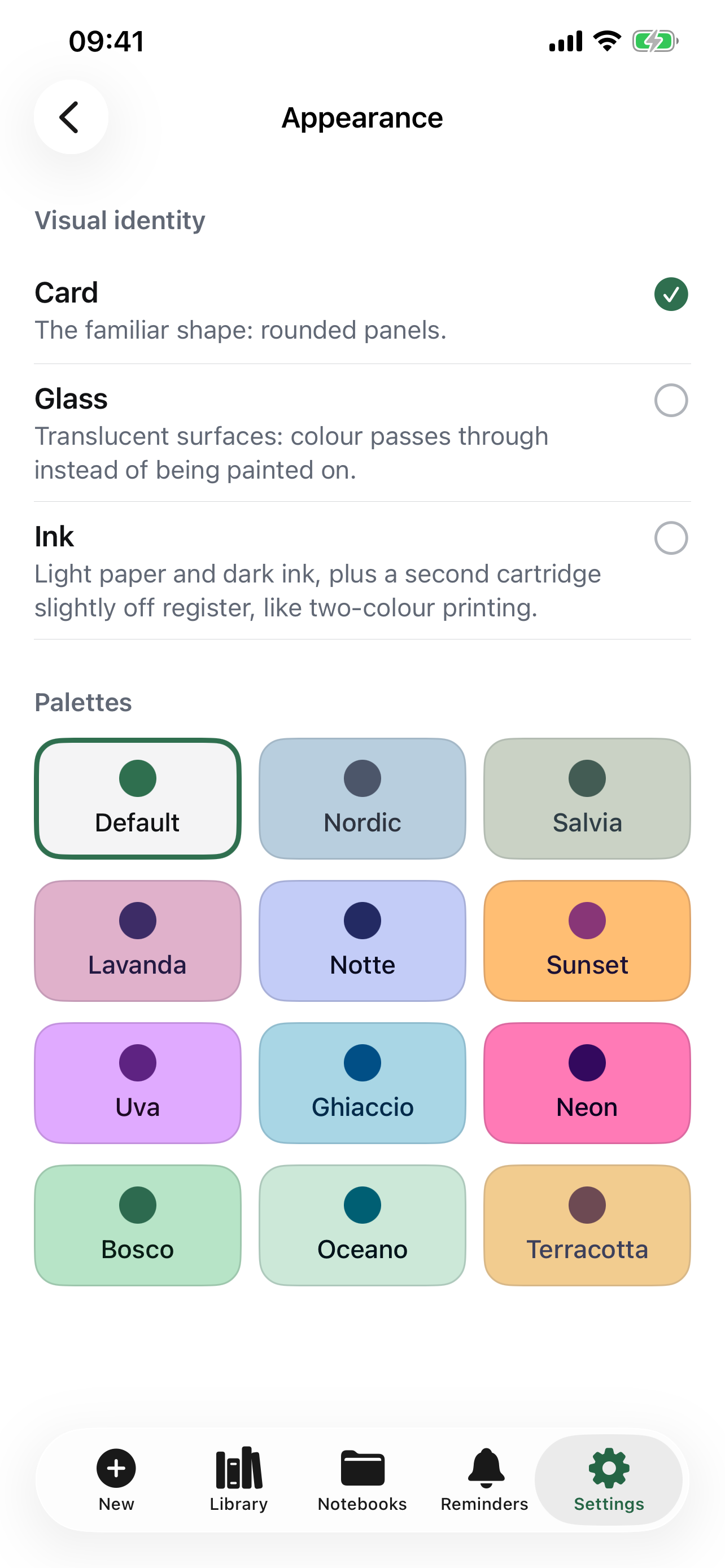
- Fifteen colour palettes and three visual personalities that combine with each other, forty-five faces in all. The Home Screen icon follows the palette you pick.
- Locking the whole app with Face ID, Touch ID or the phone passcode.
Requirements
iOS 18 or later, iPhone only. Italian and English, following the phone's language. Free, no in-app purchases.
In review on the App Store